Auto cut
Cuts filler words, dead air and retakes by reading what you said.

The AI editor for talking-head & UGC creators
Film more. Post more. Make more.
Hit record and talk. Zencut reads your transcript, cuts the ums, pauses and retakes, adds captions, and hands back a short ready for TikTok, Reels and Shorts.
Try it free for 3 daysAvailable on iOS Android
Your take 0:26
Transcriptum I found a perfect jacket for the dog walks, the school runs. [pause] Now look at this. How nice is this windproof jacket? Love the… wait, let me say that again Love the checkered design. We have a zip going up the front with the front strap covers. We have a little hood with adjustable drawstrings. uh Absolutely love the design. I’ve got it tucked up.
Zencut cuts by what you said
Ready to post 0:18
Cuts filler words, dead air and retakes by reading what you said.
Word-by-word captions, in sync with your voice.
Drops in overlays that match what you're saying.
Film ten takes in a row, get ten shorts back.
Zencut edits by transcript, so it shines whenever someone is speaking.
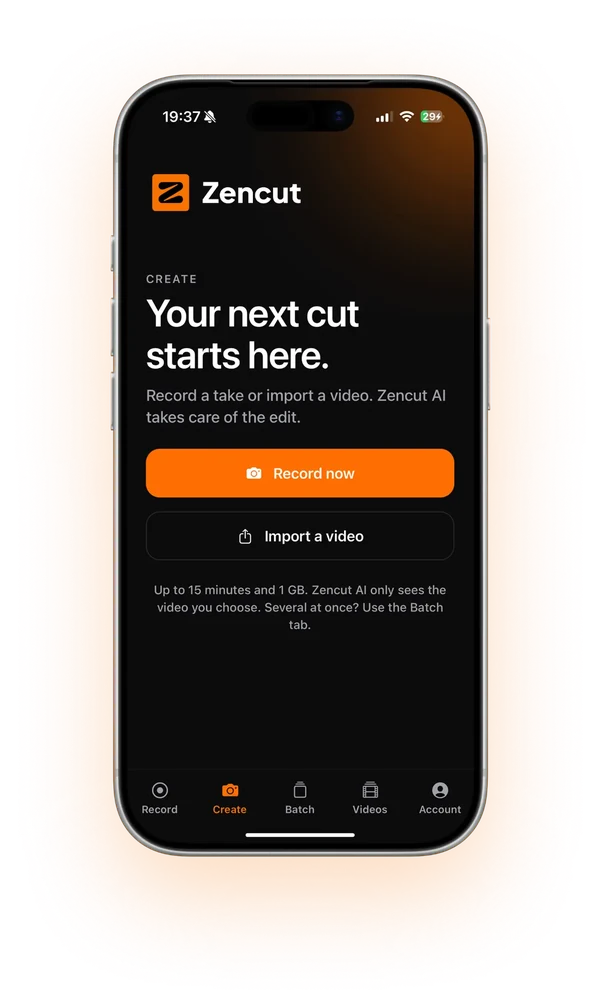
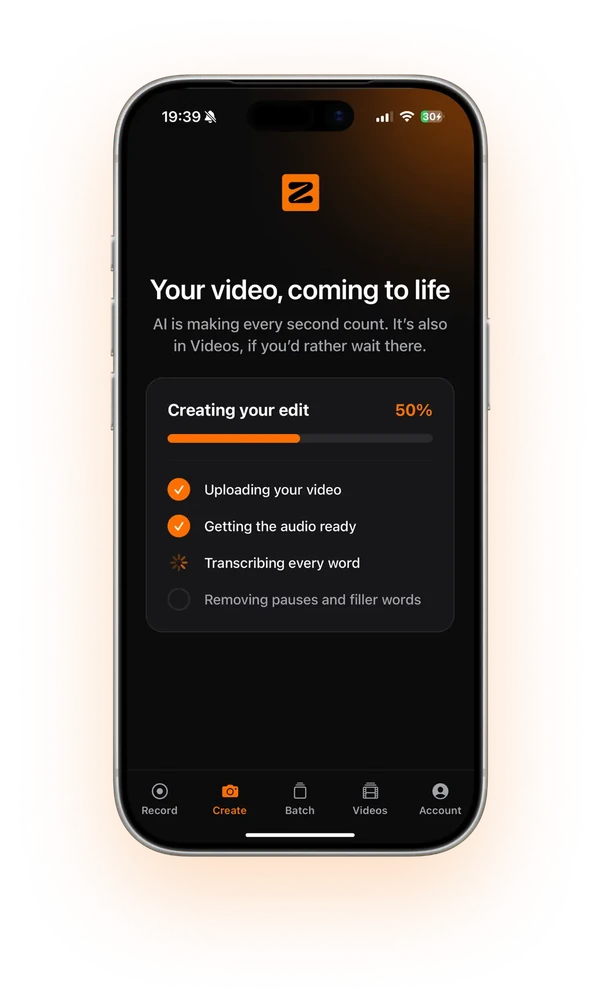
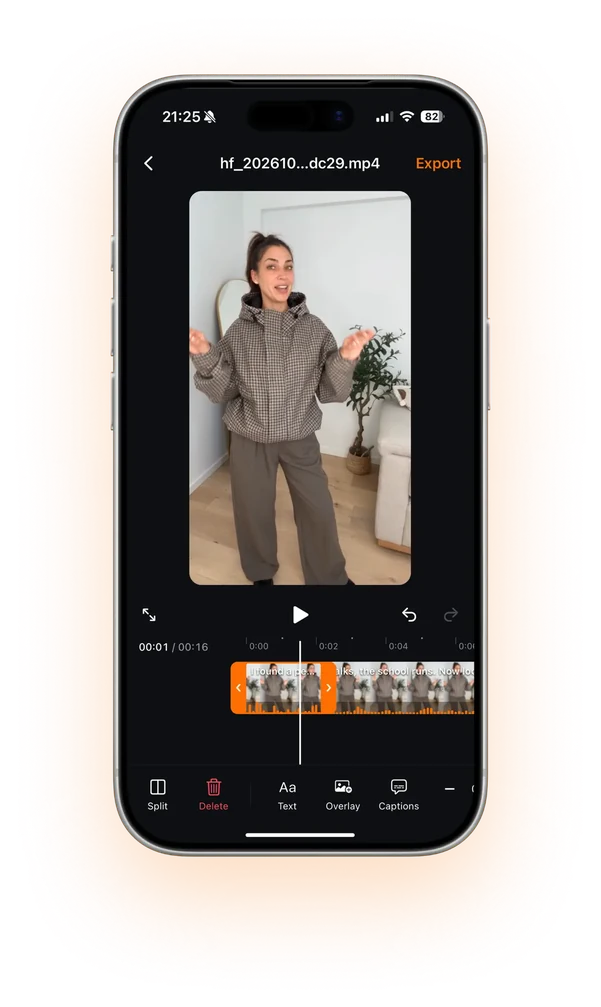
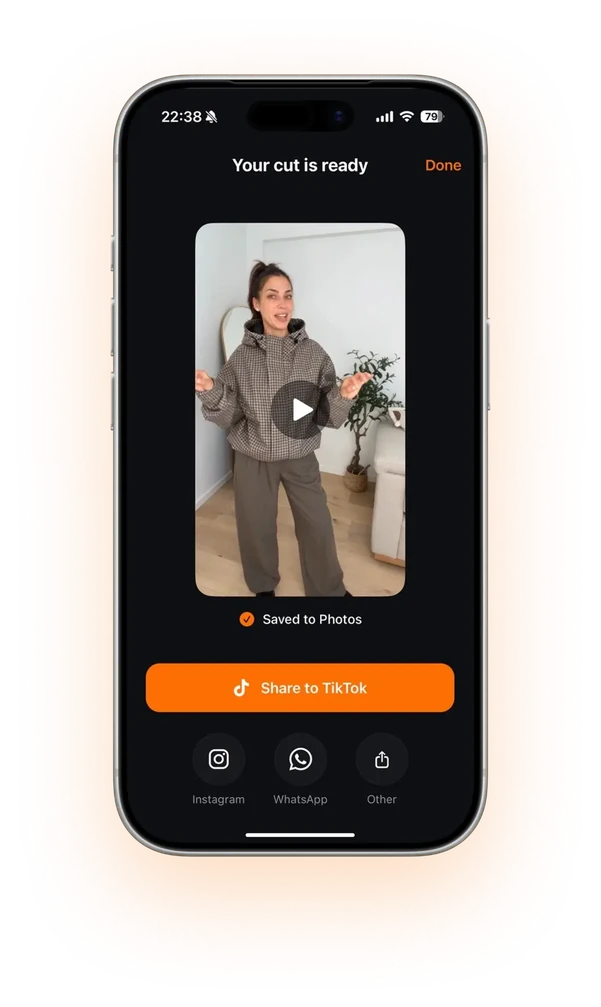
Let AI handle the boring work so you can focus on what matters: creating.
Avg time saved ≈ 34 hrs / week

| Criteria | Zencut | Edit it yourself | Hire an editor |
|---|---|---|---|
| Cost per month | From $19.99 / mo | $0, and your time | From $495 / mo |
| Your time per video | A few minutes | About an hour | Briefs & revision notes |
| Turnaround | Minutes | Tonight, maybe | Days |
| Skill needed | None. Just talk. | Timeline editing | Managing an editor |
| Scales with volume | Batch your takes | Capped by your time | Capped by their queue |
Simple pricing
One video at an editor’s rate covers Starter. Two cover Pro. Three cover Business.
For creators getting started
$19.99/month
Billed monthly
For creators who post daily
$49.99/month
Billed monthly
For top creators & agencies
$89.99/month
Billed monthly
Every plan starts with 3 days free. Cancel before they end and pay nothing.
Zencut is an AI editor for short-form videos where you talk to camera: UGC ads, talking-head explainers, storytimes, reviews. Record or import a take and it transcribes what you said, cuts the filler words, pauses and retakes, adds captions and exports a short ready for TikTok, Reels and Shorts.
Zencut edits by transcript, so it is built for videos where someone speaks: talking-head, UGC and other voice-led content. It is not the right tool for footage without speech, such as gameplay, music edits or silent vlogs.
Yes. Every cut Zencut makes is a suggestion. Review the timeline, bring back anything it removed, trim further, tweak the captions, then export when it looks right.
Starter exports up to 1080p. Pro and Business export up to 4K. Exports are vertical or landscape, with captions burned in if you want them.
Zencut is made for short-form. Ramble for as long as you need and get a tight short back. Longer takes just take longer to process.
No. Zencut never adds a watermark to your exports, whatever your plan.